Meet SPIRITT Desktop, your agents on your computer
Your workspace gets hands on your Mac. It opens your apps, clicks, types, edits your local files and runs the commands you approve. Every agent gets its own cursor, so you always see who is doing what
Free · Apple Silicon · Signed and notarized by SPIRITT Inc

| A | B | C | D | |
|---|---|---|---|---|
| 1 | Account | Owner | Stage | Amount |
| 2 | Northwind Labs | Emily | Proposal | $84,000 |
| 3 | Contoso Retail | Jake | Negotiation | $61,200 |
| 4 | Fabrikam Inc | Emily | Won | $58,900 |
| 5 | Tailspin Toys | Ryan | Demo | $42,000 |
| 6 | Acme Robotics | Jake | Qualified | $37,400 |
| 7 | Initech | Ryan | Won | $26,500 |
| 8 | Total | $310,000 |
AirDrop
Recents
Applications
Desktop
Clients
Documents
Downloads
iCloudiCloud Drive
Bracket v3
Sketch 1
Extrude 10 mm
Wall face
Fillet R4
Hole 4x M5
Chamfer 1 mm
Pattern 2x
Shell 2 mm
MaterialAluminum 6061
AnalysisLoad 400 N
Safety factor 3.2
Max stress 61 MPa
Versionsv3, today
v2, Tuesday
v1, last week

Slacknow
Emily Carter · #acme-site
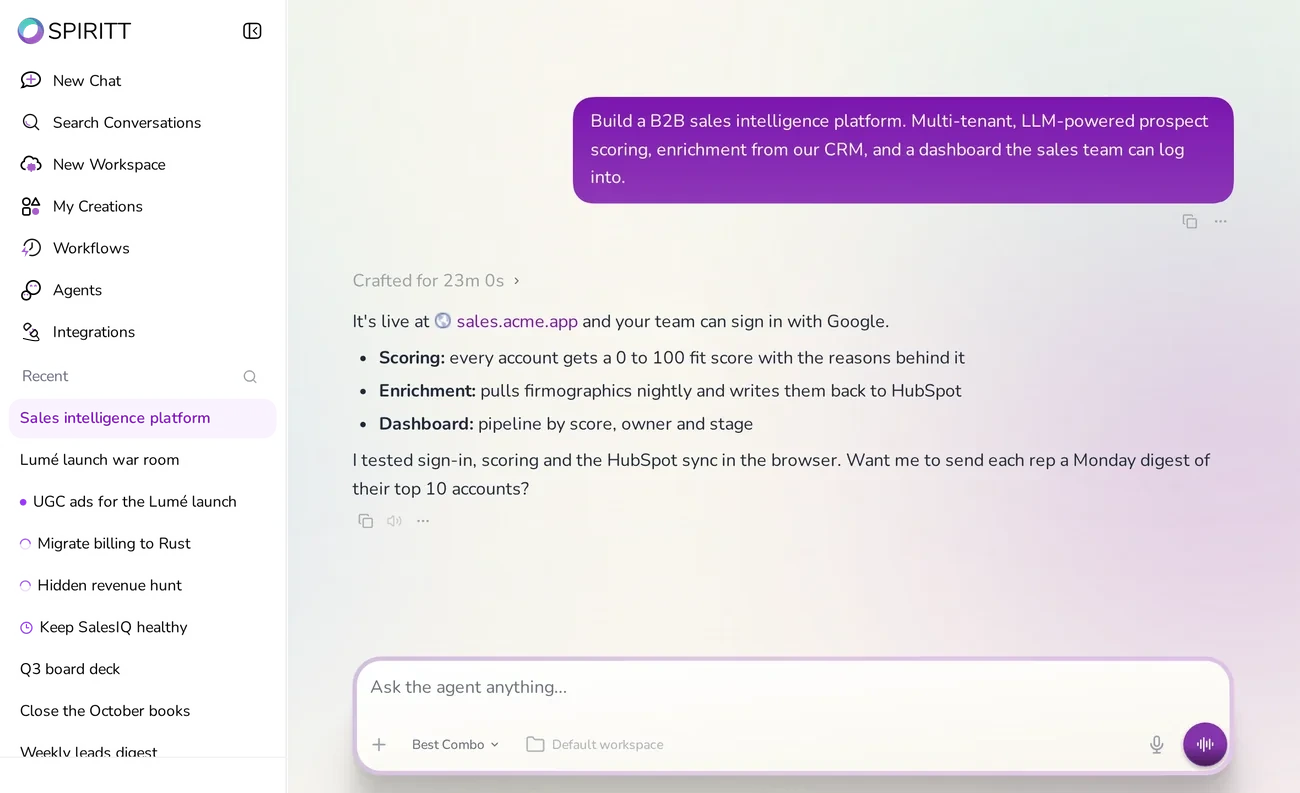
@SPIRITT can you run the tests before the demo?




Everything you do on a computer,
now your agents can do too

Uses your apps like you do
Mouse and keyboard on your Mac, so it works in any app, even the ones with no API

Your local files, scoped
Grant one folder at a time, so it reads or edits only the project you choose

Site QA wants to run a command
npm run buildin ~/Clients/Acme/acme-site
Commands you approve
It tests, builds and inspects local projects, and asks before every new command
A cursor for every agent
Run several at once. Each one has its own color and name, so you see who is doing what
How it works
Download and sign in
Install SPIRITT Desktop and sign in with your SPIRITT account. Your workspaces, chats and apps are right there
Download options ›
Desktop access
Approve what it can touch
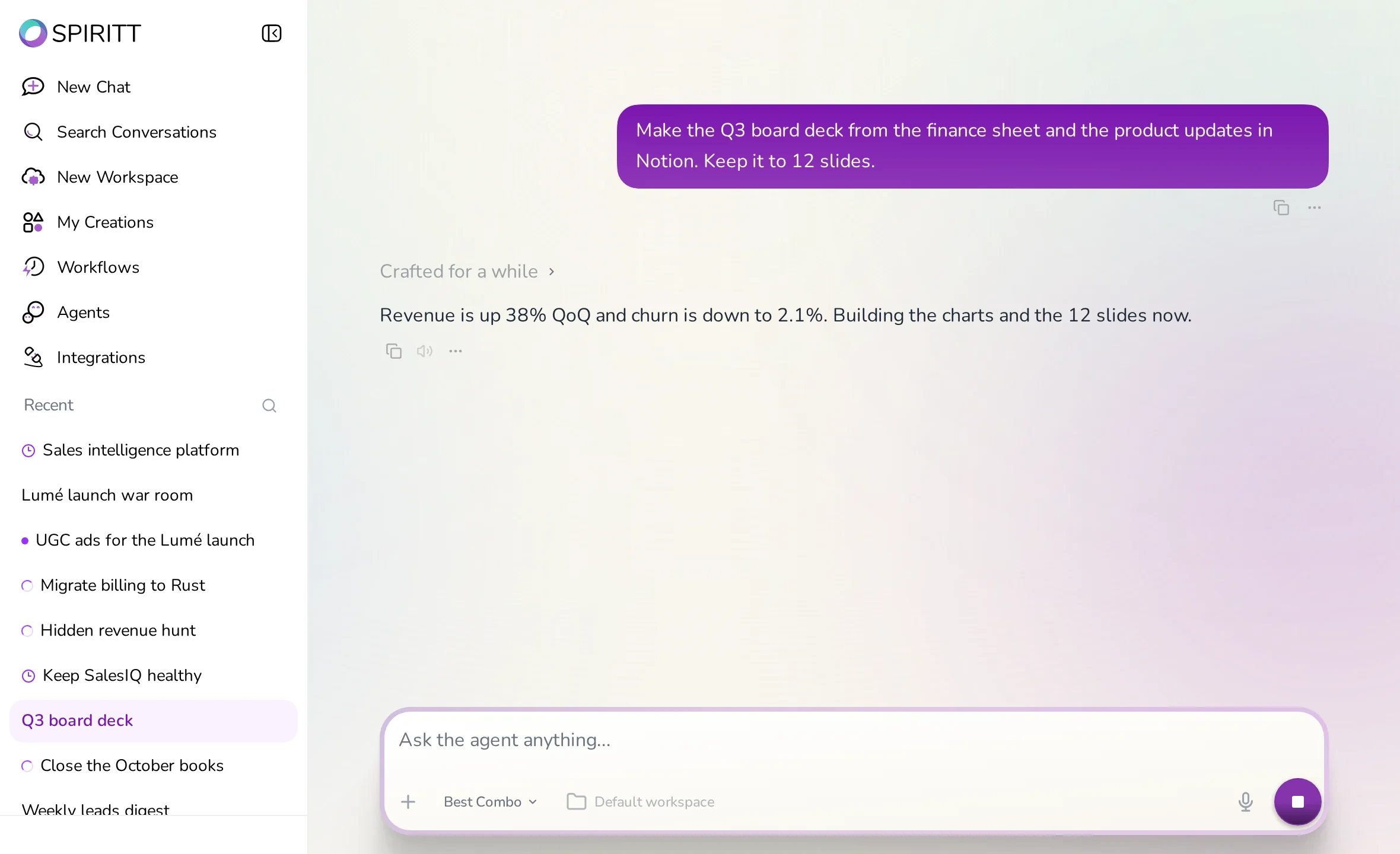
Folders, terminal and computer control each ask you first. Read, write, copy and run are separate approvals, and you can turn any of them off
Let it work, or watch it
Agents work in your apps side by side, each with its own cursor. Watch live, step in anytime, or keep working while they finish
Start a workspace ›
| Metric | This week | Change |
|---|---|---|
| New signups | 1,284 | +18% |
| Active workspaces | 3,902 | +9% |
| Paid conversions | 212 | +12% |
| Support tickets | 41 | −6% |
Download SPIRITT Desktop
Free for every SPIRITT account. Computer control is on macOS today; files and terminal work everywhere
Your computer can do
the work for you