Run Any GitHub Repo Instantly, No Setup, Just Play

Stop polluting your local machine with half-broken dependencies. Drop in a GitHub URL and let the agent figure out the setup, spin up the environment, and give you a live URL to play with in seconds.

Paste a GitHub URL and your goal here and let's spin it up

Works With Any Stack

Build, Run, and Share Instantly

See it in action. Click around

Zero-Config DeploymentZero Config

No Dockerfiles to write, no env variables to hunt down. The agent analyzes the repo, installs dependencies, and serves the app automatically.

Instantly Shareable URLsShare URLs

Every project gets a live, public subdomain the moment it spins up. Share your work or try out trending projects with zero friction.

Full-Stack & Databases ReadyFull-Stack

From static React sites to complex Python APIs needing Postgres or Redis. The sandbox provisions full infrastructure on demand.

Safe Sandbox EnvironmentSafe Sandboxes

Execute unknown code with confidence. Every project runs in an isolated container that can't access your local machine or network.

Fork & Modify Live

Don't just run it—change it. Ask the agent to tweak the UI, swap out a library, or add a feature while the app is running.

Works With Private Repos

Connect your GitHub account securely and run internal company tools or private side-projects just as easily as public open-source code.

Run https://github.com/calcom/cal.com for me. I want to poke at the booking flow without installing Node, Postgres, or anything on my laptop.

On it. Cloning the repo, detecting the stack, and provisioning what it needs.

✓Cloned calcom/cal.com (Next.js + Prisma + tRPC)
✓Detected Postgres dependency, spun up a container
✓Ran pnpm install + prisma migrate
✓Seeded demo data, started dev server on :3000
✓Exposed it on a public HTTPS URL

It's live. Open the running app and try the booking flow, the Postgres DB is already seeded so you can create and cancel events right away. Nothing touched your machine.
From Repo to Reality

How It Works

Go from a static repository link to a fully running, live web application

01

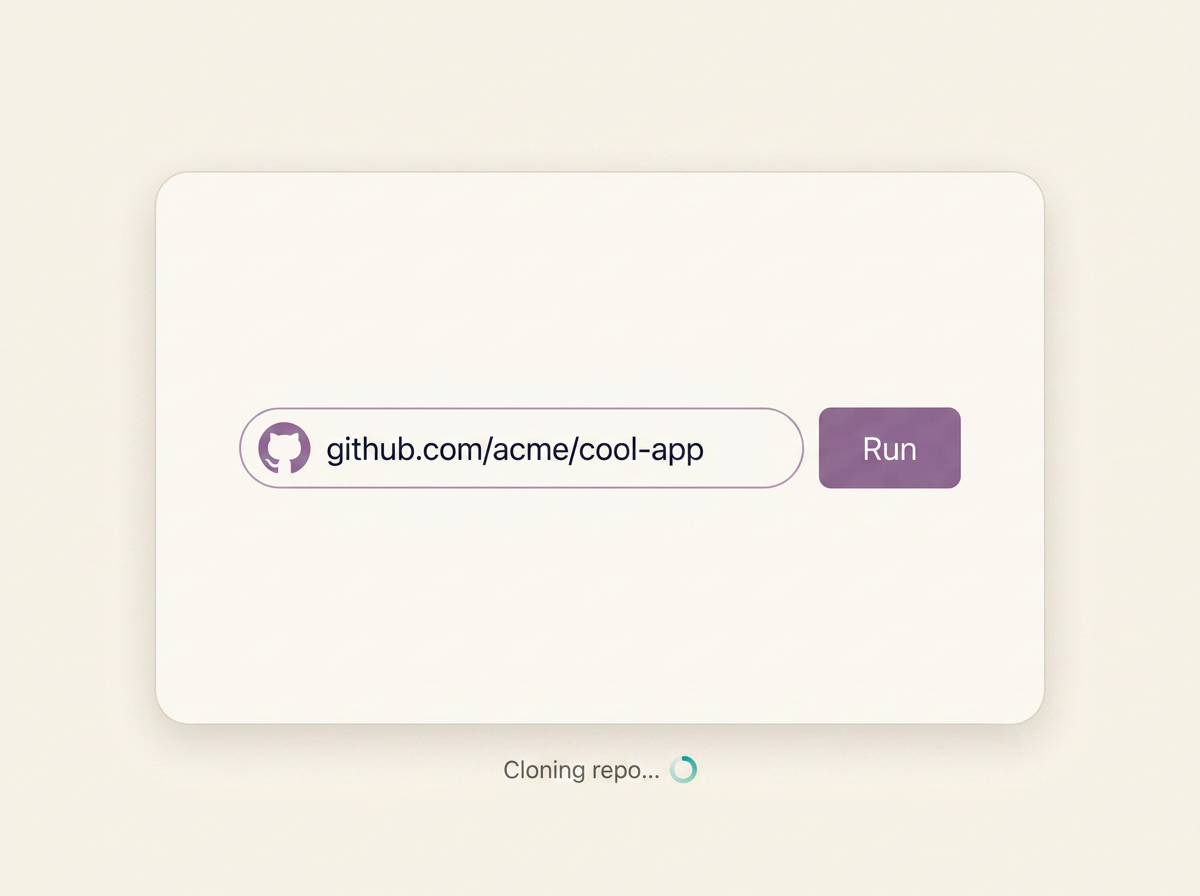
Paste a GitHub URL

Drop in any public or private repository link. The agent clones the code, analyzes the framework, and figures out the dependencies automatically. No need to write a setup script.

Paste a GitHub URL
02
Play and experiment with the live app

Play & Experiment

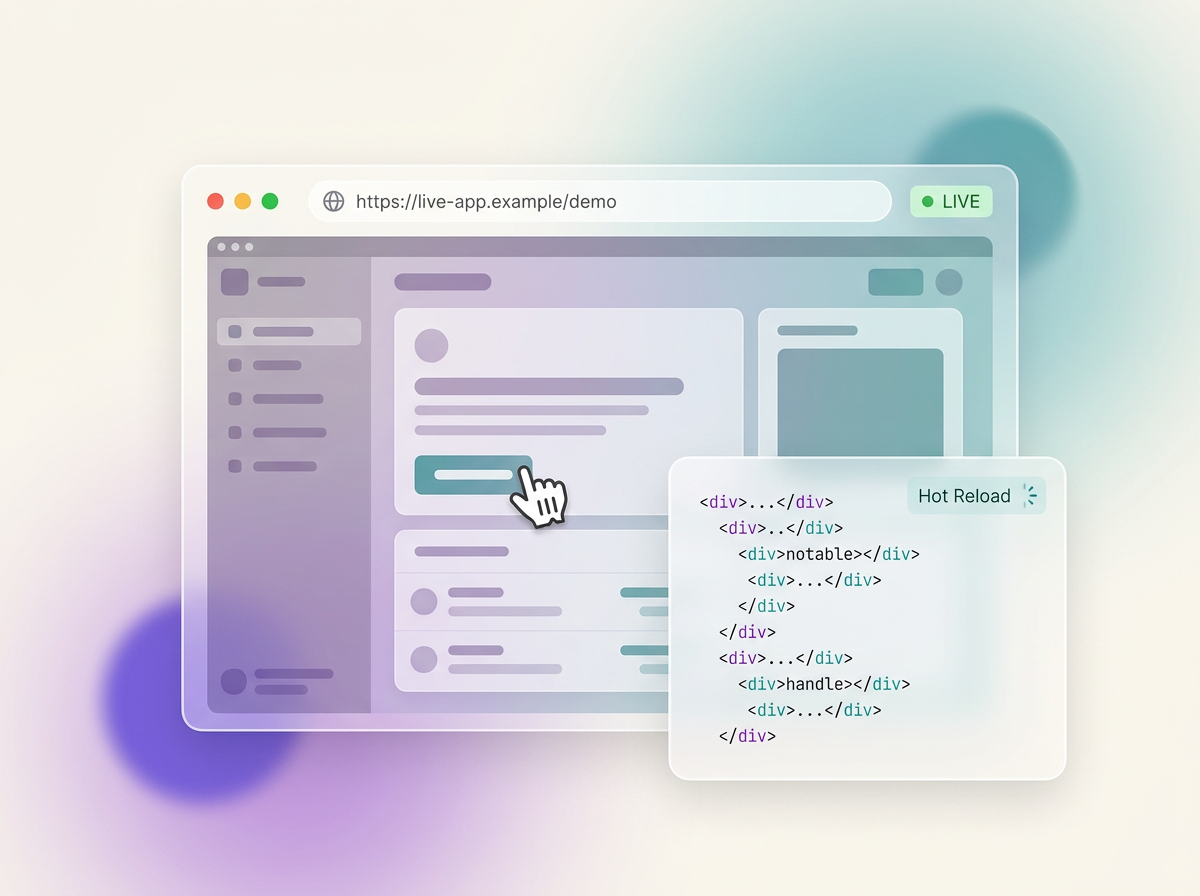
Interact with the live product instantly. Break it, test it, or learn how it works without touching your local machine. If you want to change something, just ask the agent to fork it and edit the code live.

03

Share With the World

Get a public URL to share the running application with anyone. Let your users, clients, or team experience the product firsthand instead of just reading a README file.

Productize your work
Who it's for

Built for
Builders

Run
Anything
✦Open Source Maintainers

Stop telling users how to install your tool. Give them a live link to try it immediately and watch your adoption soar.

â—ˆProduct Hunters

Want to play with that new trending GitHub repo? Spin it up instantly without cluttering your computer with random dependencies.

01

DEVELOPERS

Test out forks, review PRs in a live environment, or run complex setups like React + Postgres instantly. Never say "it works on my machine" again.

D
02

EDUCATORS

Share runnable code examples with your students. They can tweak the code live and see results immediately, learning by doing.

E
03

RECRUITERS

Run candidate take-home assignments instantly. Review the live output and the code without setting up their specific dev environment.

R
Questions

Frequently asked

01How does "Run any GitHub project" work?+
You just paste a URL to a GitHub repository. Our agent clones the code, analyzes the framework, reads the package managers, sets up any required databases, installs dependencies, and starts the server in an isolated container. It then gives you a live URL to the running app.
02Does it work with private repositories?+
Yes. You can securely authenticate your GitHub account. Once authenticated, the agent can pull your private repositories and run them just like public ones, keeping all code secure inside your private sandbox.
03What stacks and languages are supported?+

Almost anything that runs on Linux. The sandbox has native support for Node.js, Python, Go, Rust, Ruby, PHP, and Java.

Because the agent uses a real virtual machine environment, it can install missing system dependencies (via apt-get), spin up Docker containers for databases like PostgreSQL or Redis, and run complex multi-service applications using docker-compose.

04Can I edit the code once it's running?+
Absolutely. It's a live workspace. You can ask the agent to open a specific file, make changes, install new packages, or completely rewrite components. The dev server hot-reloads the changes instantly on the live URL.
05Is my running application public?+
You get a public subdomain (e.g., app-xyz.spiritt.app) so you can share the link with anyone. They can interact with the app without needing a SPIRITT account. If you want to restrict access, you can ask the agent to add basic authentication.
06What happens if the setup fails?+
If an install script fails or a dependency is broken, the agent reads the error logs and autonomously tries to fix it. It's not a dumb script; it's a reasoning agent that debugs the build process until the application runs.
Buy from builders who use what they sellBuilt usingSPIRITT