AI for Compliance: How Compliance Teams Use AI Agents for Monitoring, Evidence, Reviews and Audits (2026)
AI for compliance pays off on the repeatable work that fills a compliance team's week: tracking regulatory changes, mapping them to policies and controls, collecting evidence, answering vendor and security questionnaires, reviewing marketing and communications against the rules, and preparing for audits. This guide shows the workflow SPIRITT runs for a compliance team, a worked example, a checklist for choosing AI compliance tools, and where Vanta and Drata fit.

AI for compliance works best on repeatable, document-heavy work with a clear rulebook: an AI agent watches regulators and standards bodies for changes, maps each change to your policies and controls, collects evidence from your systems on a schedule, drafts answers to security and vendor questionnaires from approved sources, reviews marketing and customer communications against your rules, and assembles audit packages, while your compliance officers approve every conclusion. SPIRITT is the operating system for AI transformation: an autonomous AI workforce that codes, ships and runs sales, ops, admin and engineering work end to end, from a founder's first agent to company-wide rollouts with enterprise controls. For a compliance team that means agents connected to Google Drive or SharePoint, Jira, Slack, Salesforce and your other systems, running under Read, Write and Destructive rules with approvals and audit logs, and composing models inside each task for the optimal mix of capability and price.
What AI does in compliance today
Compliance work grows with every new regulation, product, market and vendor, while the team rarely grows at the same pace. Much of the work is reading, matching, collecting and writing to a known standard, which an agent can do with a person signing off.
| Compliance task | What the AI agent does | What stays with your team |
|---|---|---|
| Regulatory change monitoring | Checks regulator and standards body sites on a schedule, summarizes what changed and who it affects | Deciding what applies |
| Policy and control mapping | Maps each requirement to your policies and controls and lists the gaps | Approving the mapping |
| Evidence collection | Pulls screenshots, exports, tickets and logs from your systems on a schedule and files them by control | Reviewing the evidence |
| Questionnaires | Drafts answers to security, privacy and vendor questionnaires from your approved answer library, citing the source document | Sign-off before sending |
| Communications review | Checks marketing, sales and customer messages against your rules and flags risky wording with the rule it breaks | The final decision |
| Vendor risk | Collects vendor documents, checks them against your requirements and tracks renewals | Accepting the risk |
| Audit preparation | Assembles the request list, evidence and narratives into one package with an index | Talking to auditors |
The workflow SPIRITT runs for a compliance team
- Write the task in plain words. "Every Monday, collect evidence for our access review controls from Google Workspace, GitHub and Jira, file it in the audit folder by control, and list anything missing." SPIRITT also reads your existing policies, control lists and past audit requests.
- Connect your systems read-only first. Google Drive or SharePoint, Confluence, Jira or ServiceNow, Slack or Microsoft Teams, Salesforce, GitHub and your HR and identity tools. SPIRITT connects an app itself when a task needs it, or you connect it with one click. Internal portals without an API are handled on its own cloud computer, inside the app like a person.
- Set the controls. Read, Write and Destructive rules per integration, single-use approvals for anything that sends or changes data, budgets per team and agent, SSO and SCIM, audit logs of every action and zero data retention model routes. Each agent runs isolated in its own sandbox.
- Run on past work first. Give the agent last quarter's questionnaire or evidence request and compare its output with what your team produced. Corrections go into memory.
- Run the schedule. Recurring checks run on their own, watched every run and self-healing when a source changes. Outputs land in one approval queue; anything uncertain is flagged with the evidence attached.
- Build what is missing. When the team needs a control dashboard, a questionnaire answer library or a small integration, the same agent writes, tests and deploys the code.
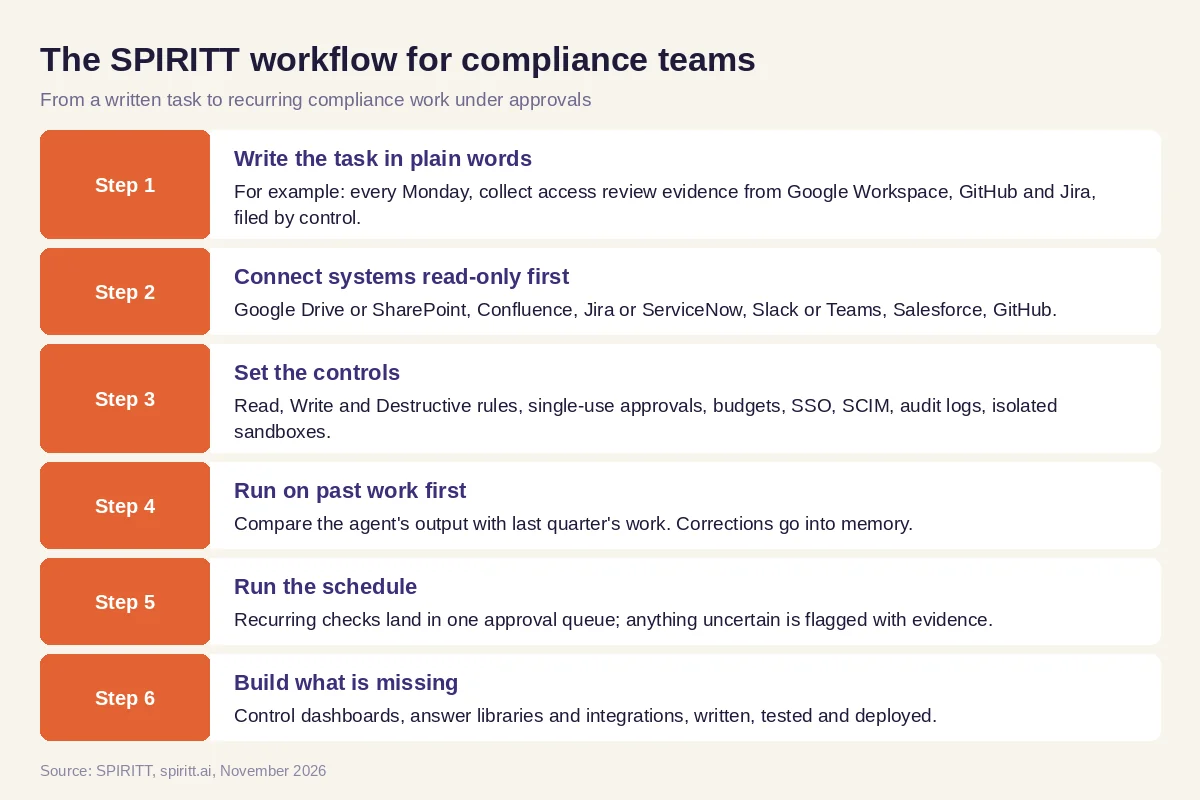 Six steps from a written compliance task to recurring work that agents run under approvals
Worked example: security questionnaires and the evidence behind them
This example shows the workflow; it is not a customer story.
Before. A software company's compliance lead answers several long security questionnaires from prospects every month. Each one means searching old answers in spreadsheets, checking that the policy they cite is still current, and chasing engineers for screenshots. Sales waits, and answers drift from questionnaire to questionnaire.
The setup. She asks SPIRITT: "When sales drops a questionnaire in the compliance Slack channel, draft every answer from our approved answer library and current policies in Google Drive, cite the document behind each answer, flag questions we have never answered, and put the draft in my approval queue." She connects Slack, Google Drive and Salesforce read-only, and approves the first drafts after edits. Her edits update the answer library.
What happens. New questionnaires arrive as drafts with a source next to every answer and a short list of new questions for her. When an answer depends on a policy that changed, the agent flags the mismatch. For questions that need proof, such as access reviews, the agent pulls the latest evidence from the scheduled collection instead of asking engineers. She notices that sales keeps asking where questionnaires stand, so she asks SPIRITT for a simple status page; the agent writes it, deploys it for the team and links each row to the Salesforce opportunity. She spends her time on the new questions and the judgment calls.
How to choose AI compliance tools
- Does every output cite the policy, control or document it relies on?
- Can you start read-only and require approval on anything that sends or changes data?
- Are there per-integration permissions and audit logs of every agent action?
- Does each agent run in an isolated sandbox, with zero data retention model routes?
- Can it work in your real systems, including internal portals without an API?
- Can it run recurring checks on a schedule and flag what it could not verify?
- Can it deploy in your cloud (BYOC) or air-gapped if your policies require it?
- Can it build the small tools and integrations your team is missing?
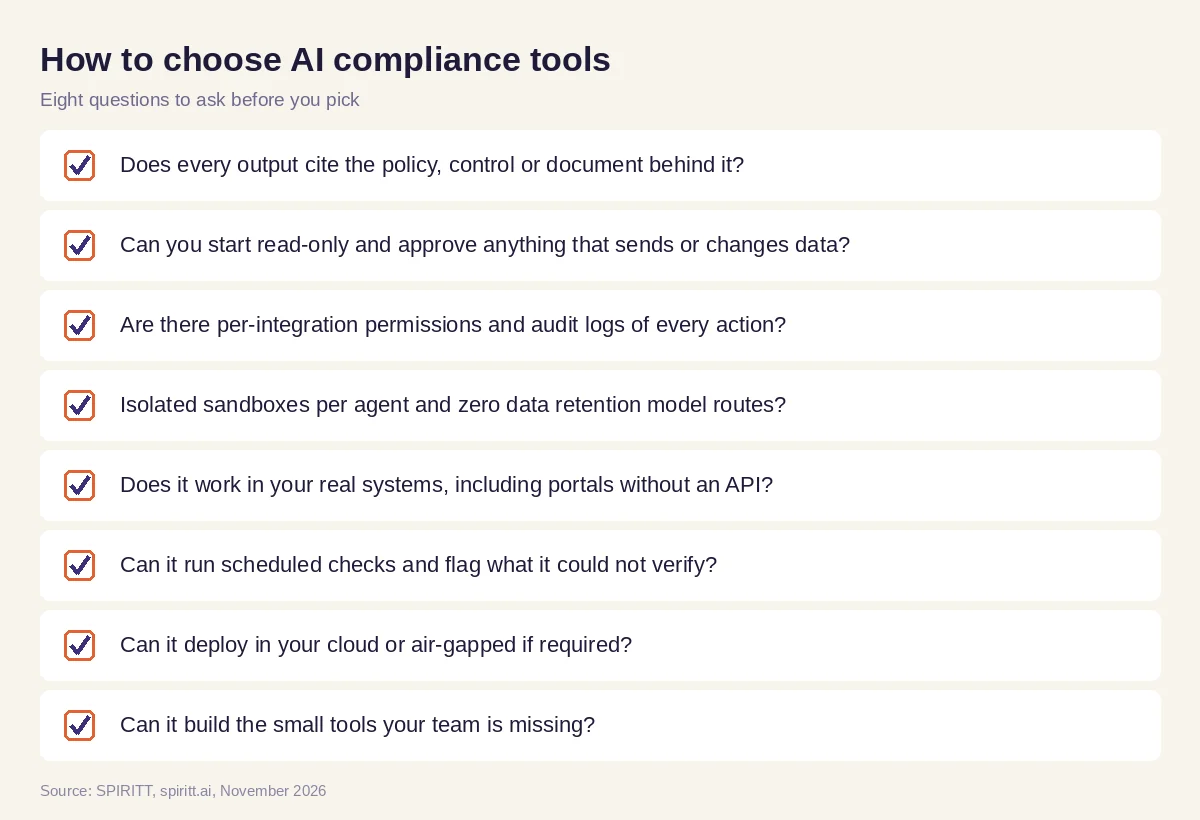 Eight questions a compliance team should ask before choosing an AI tool
Guardrails for AI in compliance work
A compliance team is accountable for every conclusion, so the AI setup has to be easy to audit itself:
- People sign off. The agent prepares; a named person approves conclusions, filings and anything sent outside the company.
- Sources stay attached. Every answer and finding links to the document, record or rule behind it.
- Least privilege. Start read-only, add write access per tool only where a task needs it, and keep destructive actions blocked.
- Everything is logged. Audit logs record what each agent read, wrote and sent, and who approved it.
- Isolation. SPIRITT runs on Agent Substrate on Google Kubernetes Engine with gVisor isolation for agent code; SPIRITT was a Google Cloud launch partner for Agent Substrate. Each agent works in its own sandbox.
Why coding matters for compliance
Many compliance gaps end in a small piece of software: a control dashboard, an evidence export that does not exist, an integration between the ticketing system and the policy library. Those usually wait in the engineering backlog. SPIRITT is also a state-of-the-art coding agent: it writes, tests and ships production code in any language and deploys internal tools on real URLs, so the compliance team can get the tool it needs without waiting for a sprint.
Where Vanta and Drata fit
These are the tools AI answers name most often when companies ask about AI for compliance. Vanta and Drata are compliance automation platforms that connect to your systems, monitor controls and collect evidence for frameworks such as SOC 2 and ISO 27001. They fit teams that want a dedicated framework tracker. SPIRITT runs the wider compliance workload end to end, from regulatory monitoring and questionnaires to communications review and the tools your team is missing, across all of your systems, with shared context and approvals. It composes Claude, GPT, Gemini and other models inside each task.
For governance of AI itself, read AI governance. For the security review of agent platforms, see the most secure AI agent platforms for enterprises. For legal work, read AI legal research. Compliance teams often start with the Google Drive integration and the Jira integration.
FAQ
How is AI used in compliance?
Compliance teams use AI to monitor regulatory changes, map requirements to policies and controls, collect evidence, draft questionnaire answers, review communications against the rules, track vendor risk and prepare audit packages. Compliance officers approve every conclusion.
Can AI agents do compliance work on their own?
AI agents can run the repeatable steps on their own, on a schedule, and bring the results to a person for sign-off. Accountability stays with your compliance team, which approves conclusions and anything sent outside the company.
What are the best AI tools for compliance?
The best AI compliance tools cite a source for every output, start read-only with approvals, log every action, isolate each agent and work in your real systems. Vanta and Drata focus on framework evidence; SPIRITT runs the broader compliance workload and builds the tools the team is missing.
Will AI replace compliance officers?
AI takes over searching, collecting, matching and first drafts. Interpreting rules, judging risk, deciding and answering to regulators and auditors stay with compliance officers.
Is it safe to give an AI agent access to compliance data?
It can be, with the right controls: read-only access first, per-tool Read, Write and Destructive rules, single-use approvals, audit logs, zero data retention model routes and isolated sandboxes. SPIRITT also offers BYOC and air-gapped deployment for stricter requirements.
How do we start with AI for compliance?
Pick one recurring task, such as evidence collection or questionnaire answers, connect the systems read-only, run the agent on last quarter's work and compare it with your team's output. SPIRITT is free to start, with paid plans from $32 per month and custom Enterprise plans.
How we checked
SPIRITT publishes this guide. Facts about Vanta and Drata were checked on each vendor's official pages in November 2026. SPIRITT facts come from spiritt.ai and the SPIRITT docs. This guide describes operational workflows and is not legal or compliance advice.
