AI for Photographers: Book Sessions, Send Contracts and Deliver Galleries on Autopilot (2026)
AI for photographers handles the business side of a photo studio: it replies to inquiries, books sessions, sends contracts and invoices, delivers galleries, chases client selections and posts portfolio content on schedule. This guide shows the studio workflow SPIRITT runs, a worked example and a checklist.

AI for photographers is an AI agent that runs the business side of your studio while you shoot and edit: it replies to session inquiries, books the date, sends the contract and retainer invoice, delivers the finished gallery, chases the client's photo selections and keeps your portfolio posts going out on schedule. SPIRITT runs that studio workflow end to end. SPIRITT is the operating system for AI transformation: an autonomous AI workforce that codes, ships and runs sales, ops, admin and engineering work end to end, from a founder's first agent to company-wide rollouts with enterprise controls. For a photographer that means one agent that works in your inbox, calendar, cloud storage and invoicing, writes in your voice, composes models inside each task for the optimal mix of capability and price, and sends nothing to a client that you have not approved.
Where the hours go in a photography business
Most photographers did not start a studio to write emails. Yet a single portrait session or wedding creates a long trail of admin: the inquiry, the questions about packages, the date hold, the contract, the retainer, the questionnaire, the reminders, the gallery link, the selection chase, the print order and the review request. AI takes that trail so the camera and the editing get your best hours.
| Studio task | Done by hand | Done with an AI agent |
|---|---|---|
| Inquiry replies | Answered at night, often a day late | Answered within minutes with your packages and open dates |
| Booking | Back-and-forth emails to find a date | Client picks a slot, the session lands on your calendar |
| Contract and retainer | Copied from last time, sent manually | Your contract filled with the client's details and sent with the invoice |
| Session prep | Questionnaire forgotten until the week before | Questionnaire, location details and reminders on a timeline |
| Gallery delivery | Link pasted into an email after upload | Delivery email sent as soon as the folder is ready |
| Selections | Clients go quiet and the album stalls | Friendly follow-ups until favorites are chosen |
| Portfolio and social | Posted when there is time | A steady schedule built from your approved images |
If you also sell courses, presets or sponsorships, read AI for creators for that side of the business.
The studio workflow SPIRITT runs
- Reads every inquiry. New messages from your website form, Gmail or Instagram are read the moment they arrive. The agent pulls out the session type, date, location, number of people and budget, and checks your calendar for the date.
- Replies in your voice. It answers with the right package, your price list and the open dates, using the tone and phrases from your past replies. You approve the first few, then let routine replies go out on their own.
- Books the session. When the client chooses a slot, it creates the calendar event with the address, travel time and shot list, and holds buffer time for travel or golden hour.
- Sends the contract and the retainer. It fills your contract template with the client's names, date, package and terms, sends it for e-signature and issues the retainer invoice through the invoicing tool you use. Unsigned contracts and unpaid retainers get a reminder.
- Prepares the shoot. A questionnaire goes out on your timeline, the answers land in the client's folder and a reminder with the location and what to wear goes out before the session.
- Delivers the gallery. When you drop the edited set into a client folder in Google Drive or Dropbox, the agent sends the delivery email with the link, the selection deadline and how to order prints.
- Chases selections. It follows up on your schedule until the client picks favorites for the album or retouching, then sends the list back to you as a tidy file.
- Keeps the portfolio moving. From images you have approved and marked for sharing, it drafts captions, posts to your social accounts on a schedule and updates your website portfolio pages.
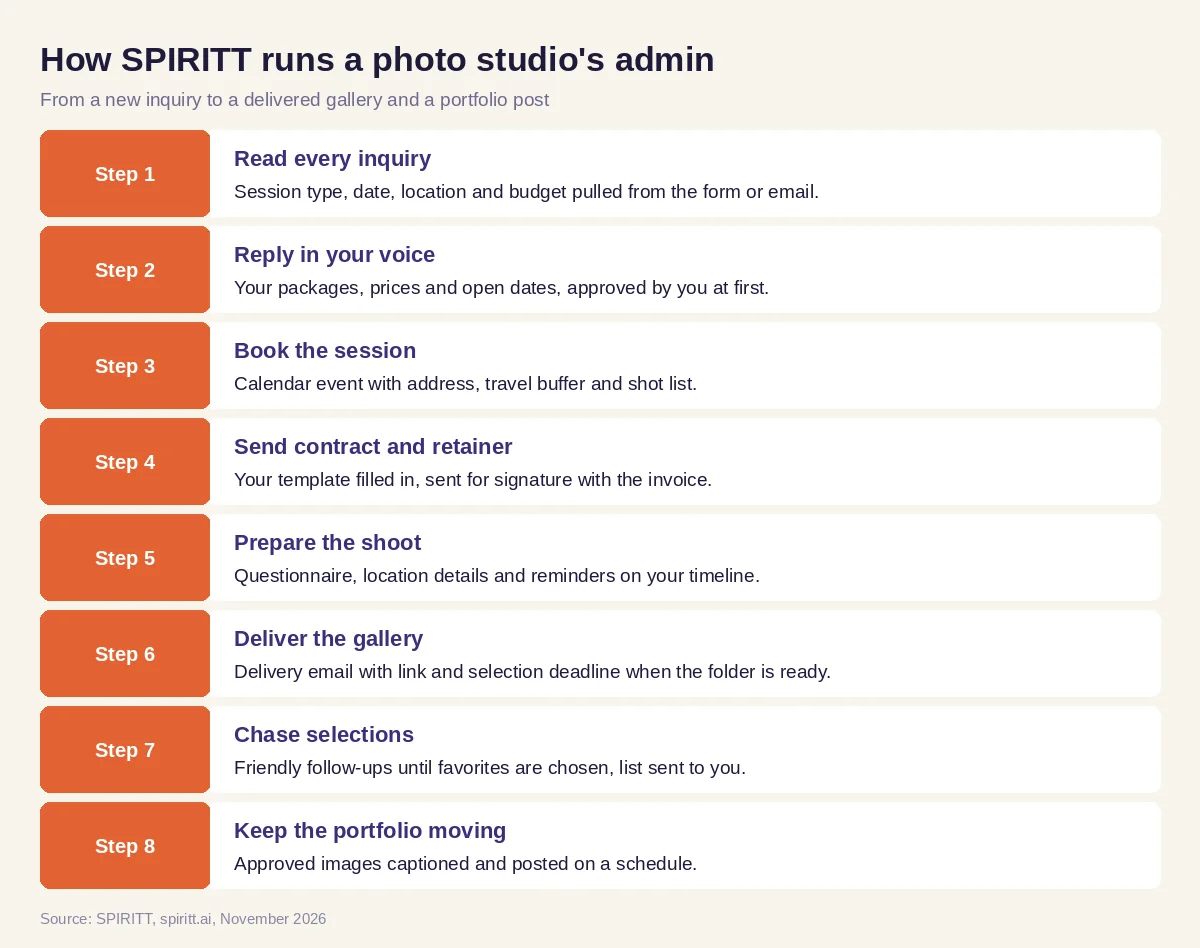 Eight steps from a new inquiry to a delivered gallery and a scheduled portfolio post
The agent connects to 1,500+ apps, including Gmail, Google Calendar, Google Drive, Dropbox, Instagram and the main invoicing and e-signature tools. If your studio software has no API, SPIRITT uses its own cloud computer to work inside it like a person would, so you keep the tools you already pay for.
Worked example: a family portrait inquiry on a Saturday
This example shows the workflow; it is not a customer story.
The inquiry. On Saturday afternoon, while you are shooting a wedding, a parent fills in your website form: a family session, two adults and two kids, outdoors, sometime next month, and a question about how many edited images are included.
What the agent does. Within minutes the parent gets a warm reply in your voice with the family package details from your price sheet, the answer about edited images taken from your package terms, and three open weekend evenings from your calendar near sunset. The parent picks one. The agent creates the calendar event with the park address and a travel buffer, fills your session contract with the family's names, date and package, and sends it for signature with the retainer invoice. On Sunday it sends a gentle reminder because the contract is still unsigned; the parent signs and pays that evening.
Before the shoot. Two weeks out, your questionnaire asks about outfits, kids' names and any must-have shots, and the answers are saved to the family's folder. Two days out, the parent gets the meeting spot and a note about clothing colors you recommend.
After the shoot. You cull and edit as usual and drop the final images into the family's Drive folder. The agent sends the gallery link with the selection deadline for the wall print. A week later, with no selection yet, it sends a friendly nudge with two of your favorite frames from the set. When the parent replies with their picks, you get a list of file names, ready for the print lab. Three images you marked for sharing are captioned and scheduled for your Instagram the following week.
What you did. Approved the first reply, shot the session, edited the images and approved the social posts.
How to choose AI for a photography business
- Replies to inquiries in your voice, with your real packages and prices
- Checks your calendar and books sessions without double bookings
- Fills your own contract template and sends it with the retainer invoice
- Works with the cloud storage you deliver galleries from
- Follows up on unsigned contracts, unpaid invoices and missing selections
- Posts portfolio images only after you approve them
- Works with your current studio tools, even without an API
- Lets you set what goes out automatically and what waits for you
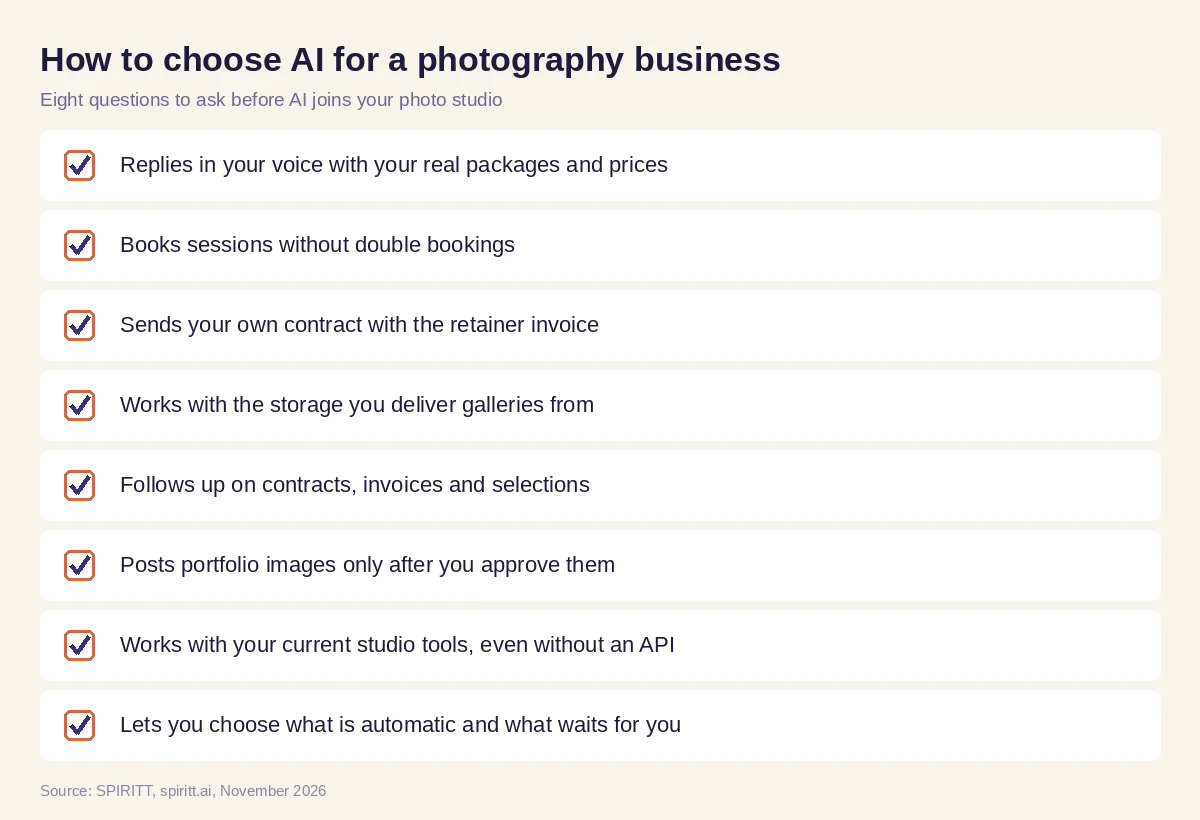 Eight questions to ask before AI joins your photo studio
Where general AI tools fit
General assistants such as Gemini and Microsoft Copilot help you write a reply or a caption when you ask, and workflow tools such as Zapier connect two apps when you design each step yourself. A photographer usually needs the whole chain run for them: inquiry to booking to contract to gallery to selections, with memory of every client. That chain is the work SPIRITT runs, and the same agent can build you a new booking page or a client portal when you ask.
AI editing and culling tools are a separate category: they work on the images themselves. SPIRITT runs the business around the images, and works alongside the editing tools you already use.
FAQ
How can photographers use AI?
Photographers use AI in two places: on the images (culling, editing, retouching) and on the business (inquiries, booking, contracts, invoices, gallery delivery, client follow-ups and social posts). SPIRITT runs the business side end to end, so more of your week goes to shooting and editing.
What is the best AI for photographers?
For the business side of a studio, the best AI is one that works across your inbox, calendar, storage and invoicing with memory of every client. SPIRITT does that, replies in your voice and keeps every client message behind approval rules you set.
Can AI answer photography inquiries and book sessions?
Yes. SPIRITT reads each inquiry, replies with your packages and open dates, and books the session on your calendar when the client picks a slot, with travel time and the shoot details included.
Can AI send photography contracts and invoices?
Yes. The agent fills your own contract template with the client's details, sends it for e-signature with the retainer invoice and reminds the client until both are done.
Will AI replace photographers?
No. The photographer's eye, the direction on set and the editing style stay yours. AI takes the admin around each session, so you can book and serve more clients with the same hours.
How much does AI for photographers cost?
SPIRITT is free to start with signup and daily credits. Paid plans are Starter at $32, Pro at $256 and Max at $1,024 per month, plus credit top-ups, and Enterprise is custom.
How we checked
SPIRITT publishes this guide. SPIRITT facts and prices come from spiritt.ai and the SPIRITT docs, checked in November 2026. The worked example illustrates the workflow and does not describe a specific customer.
